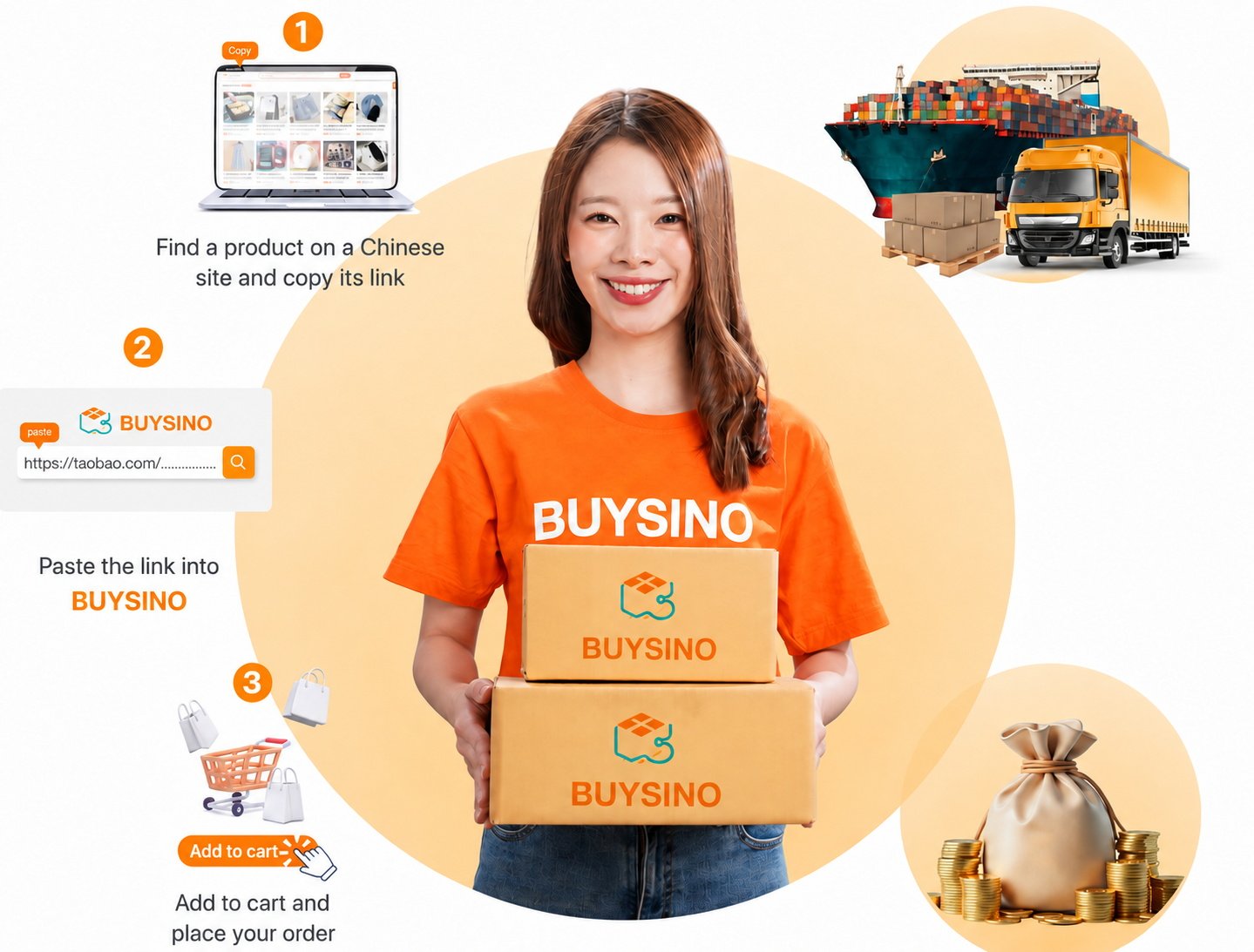
Accounts, carts and orders use this site’s WooCommerce. Real payments remain disabled in the private preview.
BUYSINO GUIDE 01
Browse BUYSINO products
Search by product name and view categories and details
BUYSINO
BUYSINO GUIDE 02
Forward goods and pay Chinese merchants
Keep merchant details, parcel numbers and payment requests in one reviewable workflow.
BUYSINO
BUYSINO GUIDE 03
Create a shipping bill
Choose parcels, verify the address and pay shipping from the protected account area.
BUYSINO
BUYSINO GUIDE 04
Tips for finding Chinese products
Search by keyword or image, then compare merchants and product options.
BUYSINO
BUYSINO GUIDE 05
Create Chinese marketplace accounts
Prepare your phone number and complete each marketplace’s verification securely.
BUYSINO
BUYSINO GUIDE 06
Check shipping rates
Choose the right product type and route before estimating costs.
BUYSINO
BUYSINO GUIDE 07
Report a problem and other services
Prepare the order number, screenshots and details before contacting the team.
BUYSINO
01
BUYSINO GUIDE
Browse BUYSINO products
Search by product name and view categories and details
01Enter a product name in BUYSINO
02Open the details page of a matching product
03Check the product description, reference price and availability
04For account features, go to this site’s WooCommerce; purchasing is unavailable in this preview
Site accounts and illustrative workflowsAccounts and carts are provided by this site’s WooCommerce. The parcel, billing and merchant-payment steps below are illustrative and are not connected; this preview does not support real payments.Go to my account
02
BUYSINO GUIDE
Forward goods and pay Chinese merchants
Keep merchant details, parcel numbers and payment requests in one reviewable workflow.
01Log in to view your warehouse address and member number
02Ask the merchant to include complete recipient details
03Add the China domestic tracking number after dispatch
04Review the entry and submit the service request from your account
Site accounts and illustrative workflowsAccounts and carts are provided by this site’s WooCommerce. The parcel, billing and merchant-payment steps below are illustrative and are not connected; this preview does not support real payments.Go to my account
03
BUYSINO GUIDE
Create a shipping bill
Choose parcels, verify the address and pay shipping from the protected account area.
01Review parcels that have arrived at the warehouse
02Choose the parcels to consolidate and ship
03Confirm the address, phone number and shipping method
04Review the amount before payment and track the bill in WooCommerce
Site accounts and illustrative workflowsAccounts and carts are provided by this site’s WooCommerce. The parcel, billing and merchant-payment steps below are illustrative and are not connected; this preview does not support real payments.Go to my account
04
BUYSINO GUIDE
Tips for finding Chinese products
Search by keyword or image, then compare merchants and product options.
01Use Chinese keywords or image search on the source marketplace
02Compare merchant ratings, sales and recent reviews
03Check model, material, size and shipping terms
04Save source-site product information for consultation; it will not be imported into BUYSINO automatically
Site accounts and illustrative workflowsAccounts and carts are provided by this site’s WooCommerce. The parcel, billing and merchant-payment steps below are illustrative and are not connected; this preview does not support real payments.Go to my account
05
BUYSINO GUIDE
Create Chinese marketplace accounts
Prepare your phone number and complete each marketplace’s verification securely.
01Choose Taobao, Tmall or 1688
02Register with your own information under the marketplace rules
03Enter verification codes yourself and never share an OTP
04Return to BUYSINO after choosing a product
Site accounts and illustrative workflowsAccounts and carts are provided by this site’s WooCommerce. The parcel, billing and merchant-payment steps below are illustrative and are not connected; this preview does not support real payments.Go to my account
06
BUYSINO GUIDE
Check shipping rates
Choose the right product type and route before estimating costs.
01Identify the product type and shipping restrictions
02Choose a supported route and service level
03Enter a realistic weight and size
04Use the final rate and amount shown on the system bill
Site accounts and illustrative workflowsAccounts and carts are provided by this site’s WooCommerce. The parcel, billing and merchant-payment steps below are illustrative and are not connected; this preview does not support real payments.Go to my account
07
BUYSINO GUIDE
Report a problem and other services
Prepare the order number, screenshots and details before contacting the team.
01Open the relevant order or parcel in your account
02Record the reference number and describe the problem clearly
03Attach images or evidence without exposing private information
04Submit through your account or contact BUYSINO support
Site accounts and illustrative workflowsAccounts and carts are provided by this site’s WooCommerce. The parcel, billing and merchant-payment steps below are illustrative and are not connected; this preview does not support real payments.Go to my account


 BUYSINO